

Open the agent
In the grid, click Agents in the top toolbar and pick Price Optimization, or use the pinned Price Optimization button if your grid has one. The dialog opens with four tabs on the left, General, Parameters, Rules and Automation, and the Config by AI panel on the right. Fill them in any order.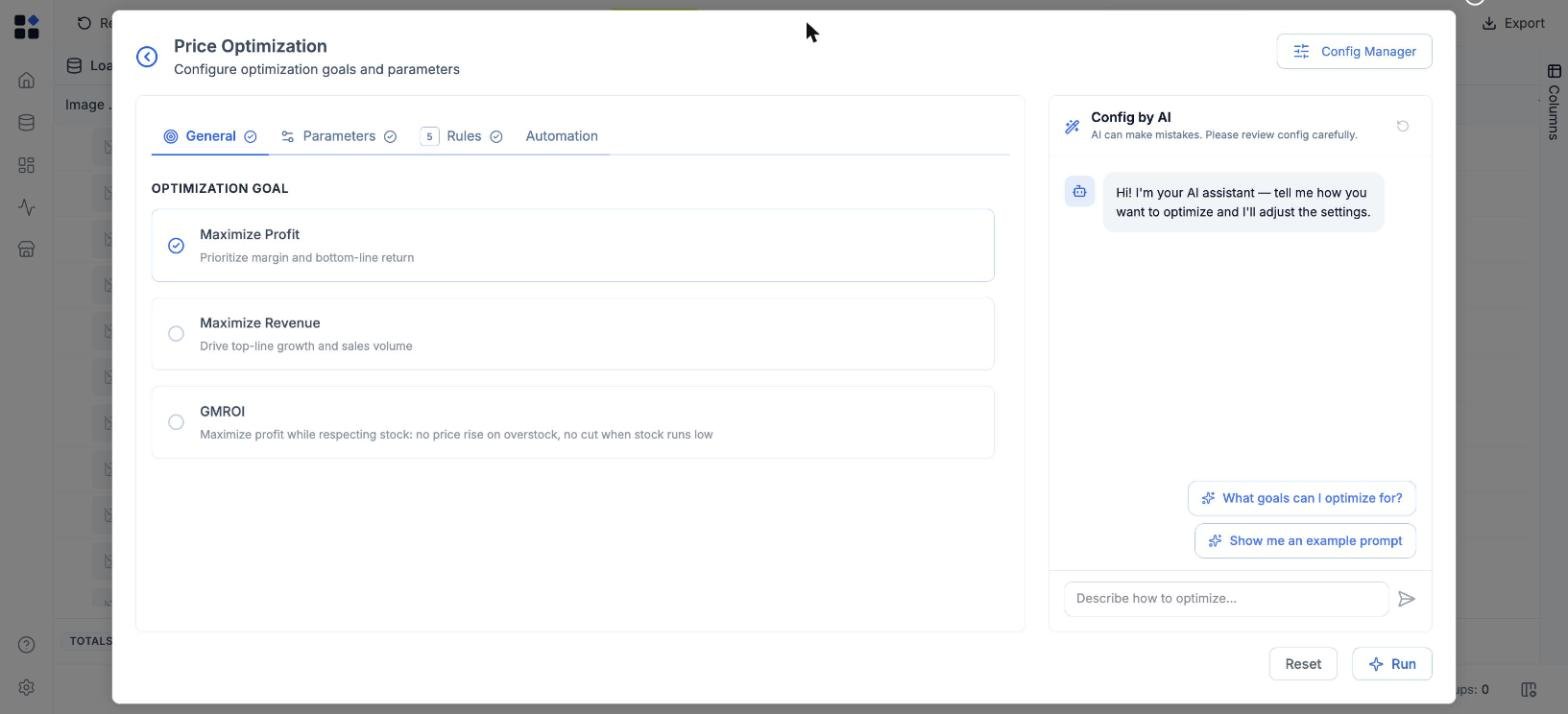
Set the goal
On General, choose what the run optimizes for:- Maximize Profit - prioritize margin and bottom-line return.
- Maximize Revenue - drive top-line growth and sales volume.
- GMROI - maximize profit while respecting stock: no price rise on overstock, no cut when stock runs low. See GMROI optimization.
Check the parameters
On Parameters, confirm:- Inputs - which column holds Price and which holds Cost. The run needs both.
- Scope - the Full grid, or a Sample of rows to sanity-check the setup first.
- Expected Impact Timeframe - how far ahead the optimizer projects the impact it scores.
- Confidence tiers - which elasticity-confidence tiers the run may act on, so thin SKUs can be held back.
- Preserve manually updated prices - leave prices you set by hand untouched.
Check the guardrails
The Rules tab holds the rules applied after the model proposes a price: margin floors, index corridors, rounding and price endings, maximum change per cycle. The badge on the tab counts the rules in play, and rule validation must pass before a run can start. See the Pricing rules guide.Run it
Click Run. The job appears on the Runs page, and when it finishes the proposed prices are written into the grid.A run never changes a live price. It writes proposals that wait for your approval.